
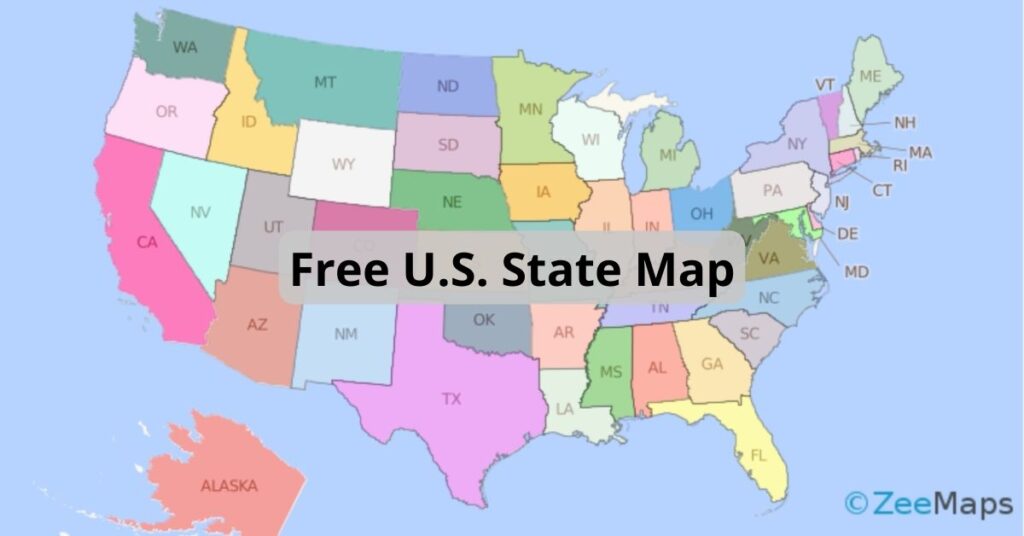
Download a Free U.S. State Map That Uses Extended Colors
ZeeMaps has more than doubled the colors available to users with an Enterprise Plan. Download this free U.S. state map to use them all.
ZeeMaps has more than doubled the colors available to users with an Enterprise Plan. Download this free U.S. state map to use them all.
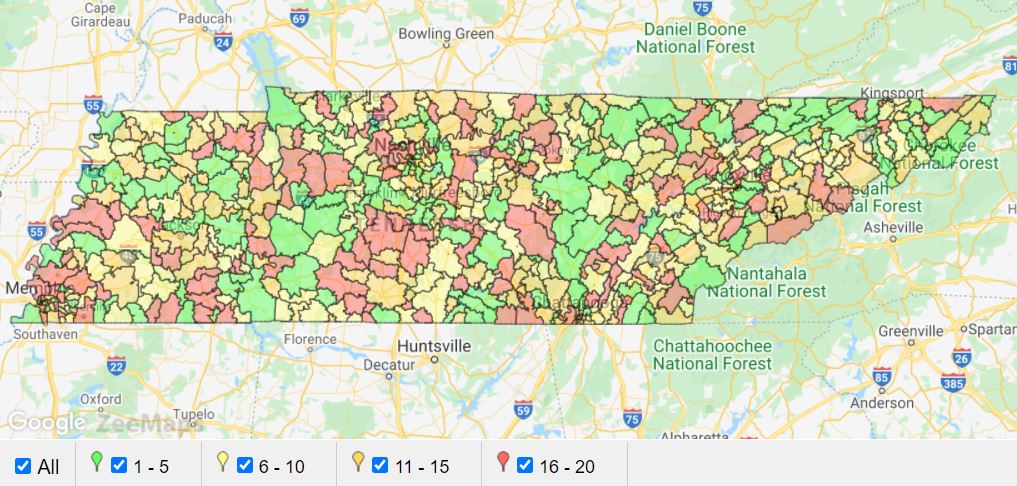
You can use the IFS function in Excel to assign different colors to pins or highlighted regions in ZeeMaps.

Splitting regions on a map, like by using the continental divide, can be extremely useful. Make a map visualizing regions or splits.
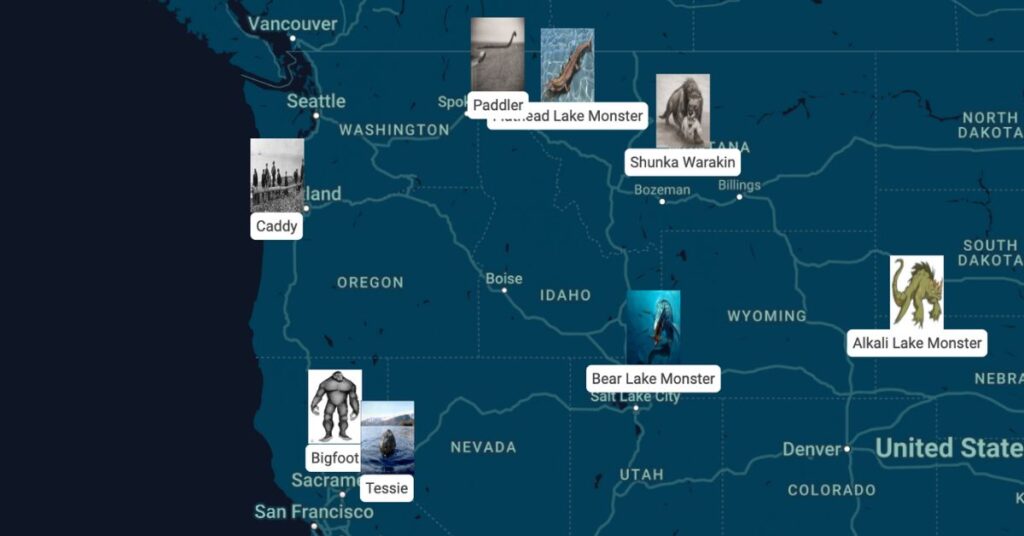
ZeeMaps allows you to customize map marker icons by using images as the map markers. Check out this tutorial to learn more.
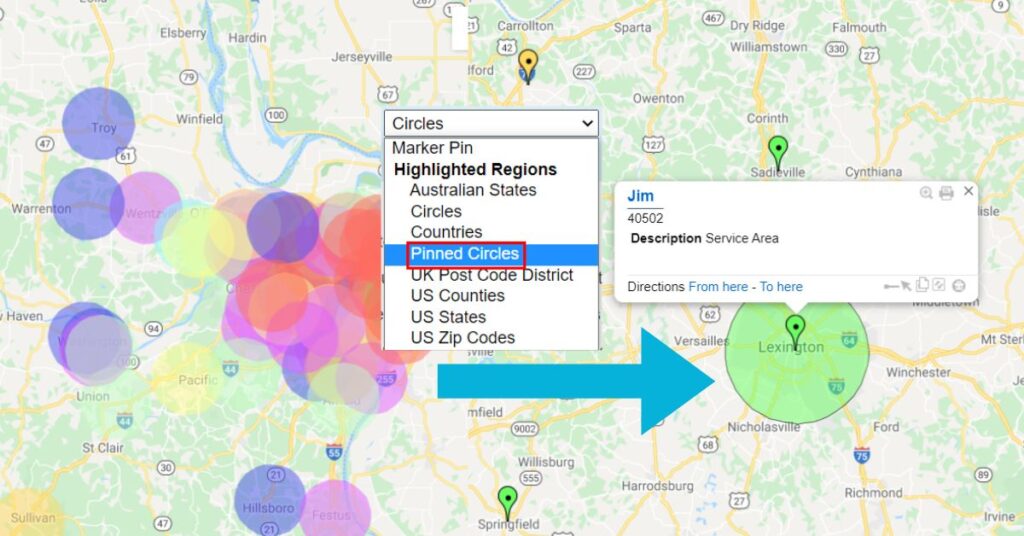
Adding pinned circles to a map allows for increased capabilities and visibility when displaying radius, in cases such as a sales territory.
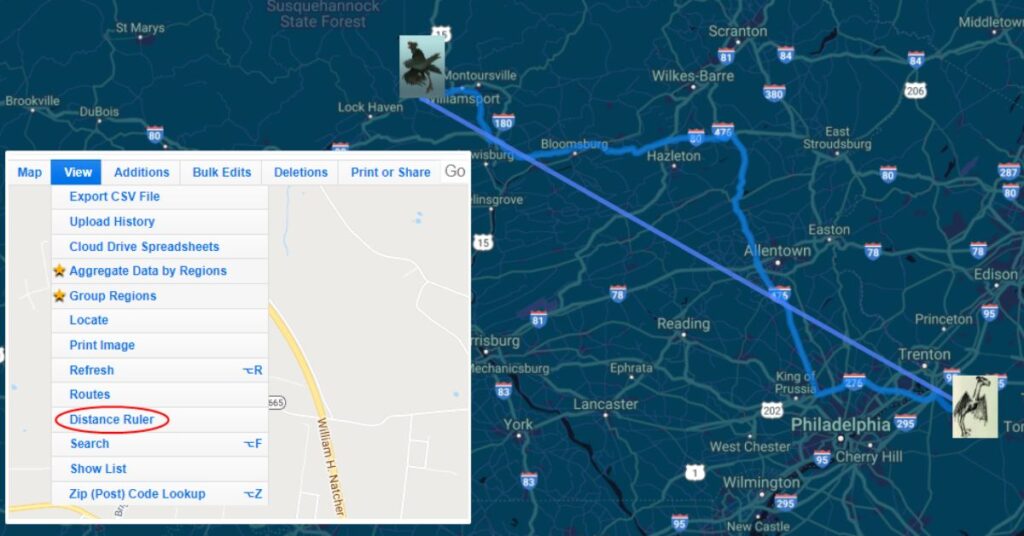
You can measure distance between any two points on a map using ZeeMaps’ “Distance Ruler” or Google Maps routing.