
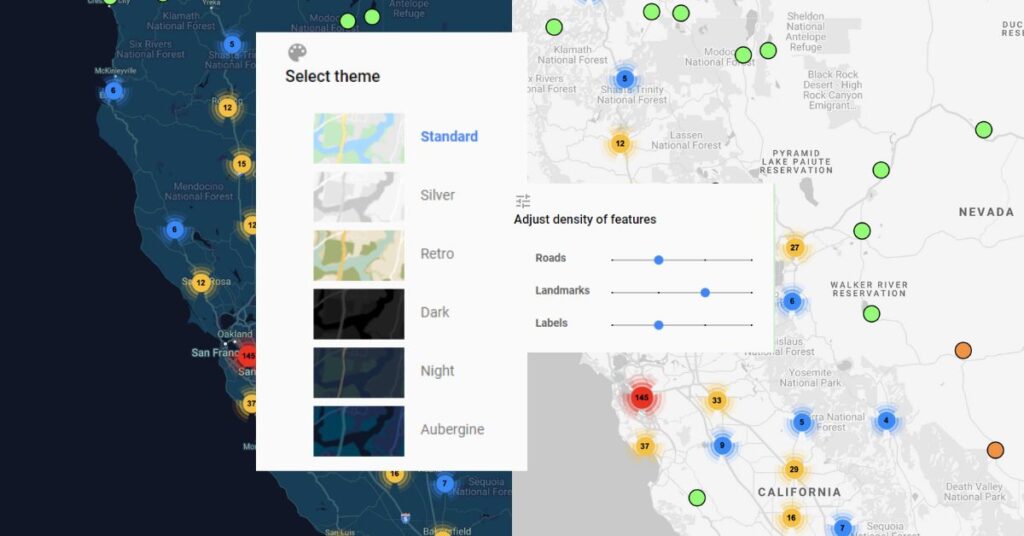
Map Type Tool – Change Map Style
A map’s style defines the colors used to show different features on a map. You can change your map type in ZeeMaps.

A map’s style defines the colors used to show different features on a map. You can change your map type in ZeeMaps.
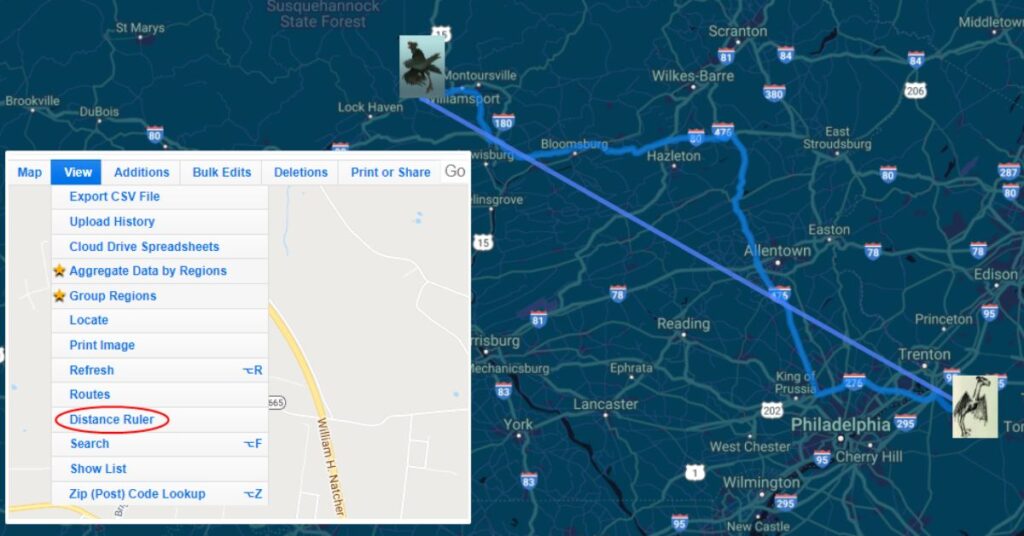
You can measure distance between any two points on a map using ZeeMaps’ “Distance Ruler” or Google Maps routing.
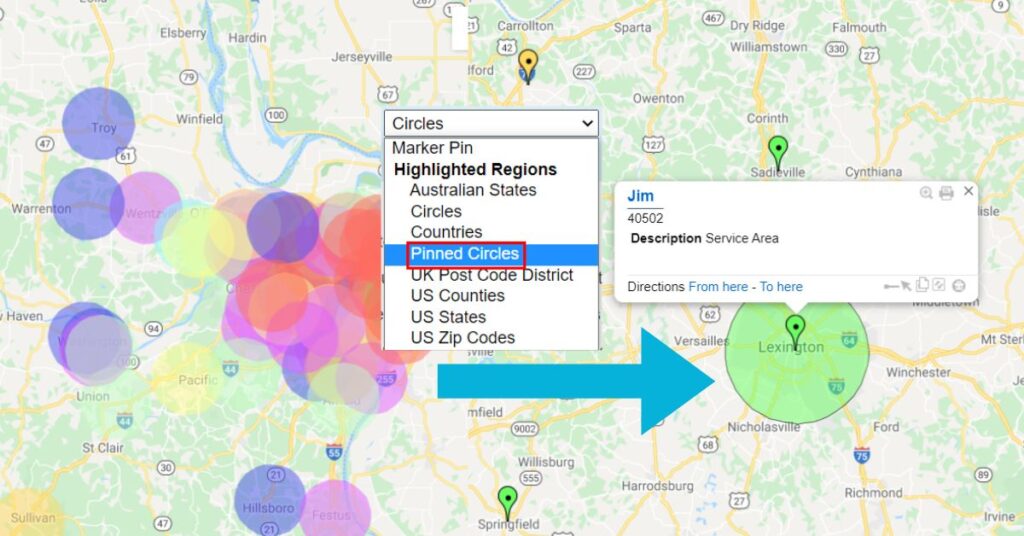
Adding pinned circles to a map allows for increased capabilities and visibility when displaying radius, in cases such as a sales territory.
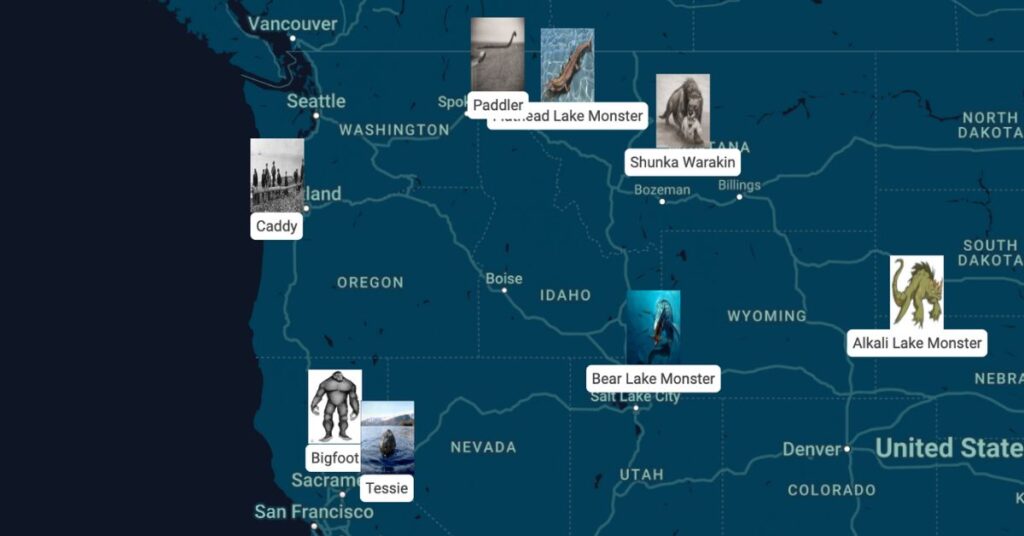
ZeeMaps allows you to customize map marker icons by using images as the map markers. Check out this tutorial to learn more.
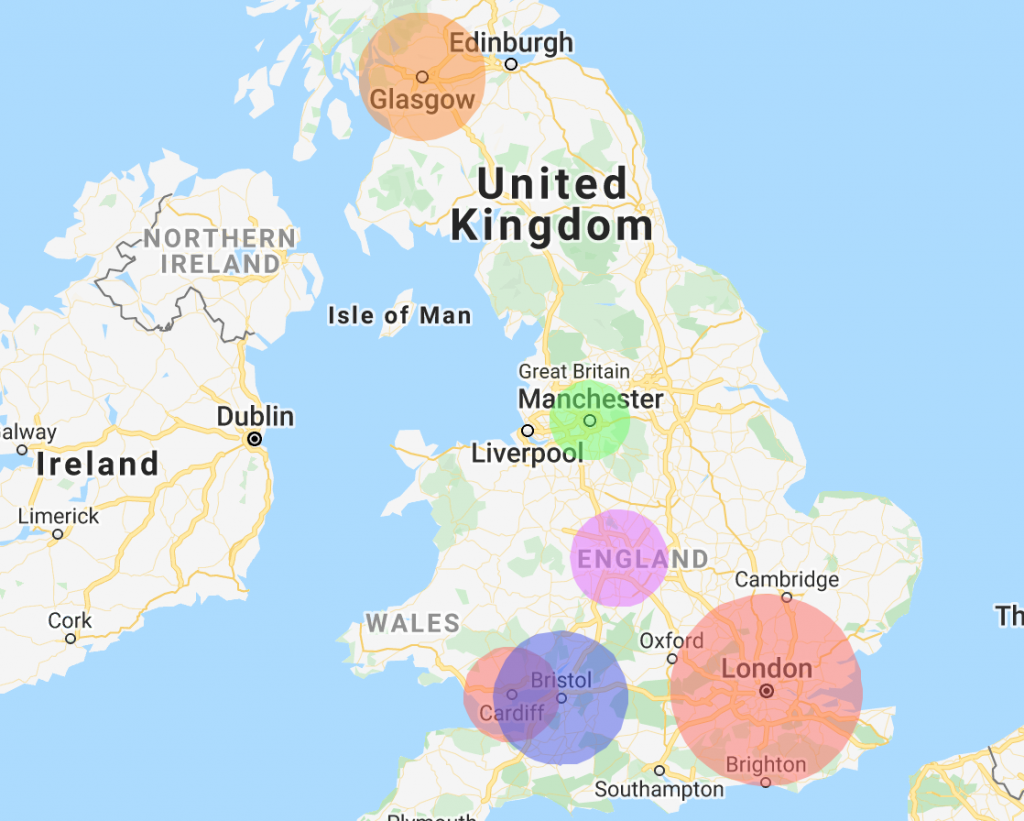
We thought it was time to add the function to upload a radius map. ZeeMaps allows you to upload spreadsheets
ZeeMaps allows you to highlight geographical areas, e.g., zip codes, counties, cities, states, or geometrical areas like circles, rectangles on