
Do I need to create an account/sign up to make a map?
You should sign-up to create maps. This allows us to communicate with you in case we need to inform you about changes in the service or any specific information regarding your map, e.g., when an upload was successful.
How do I sign up with ZeeMaps?
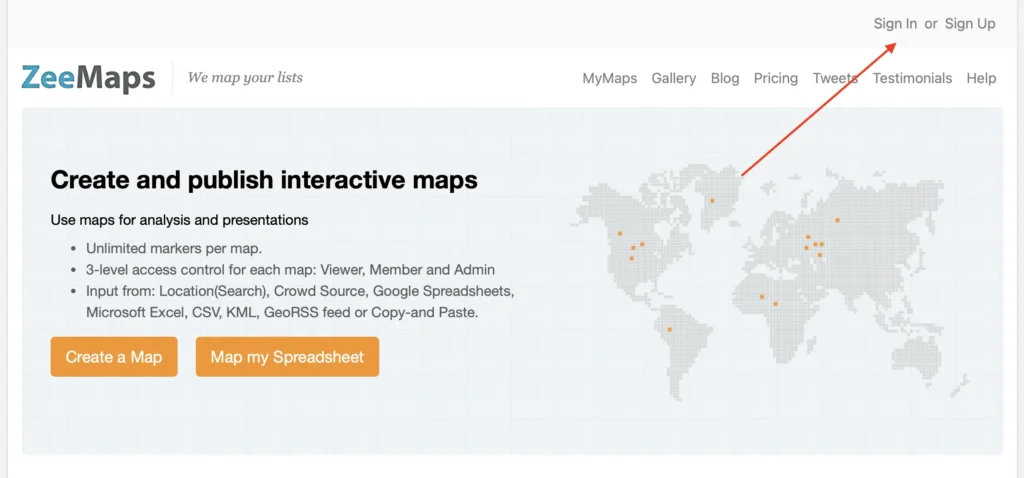
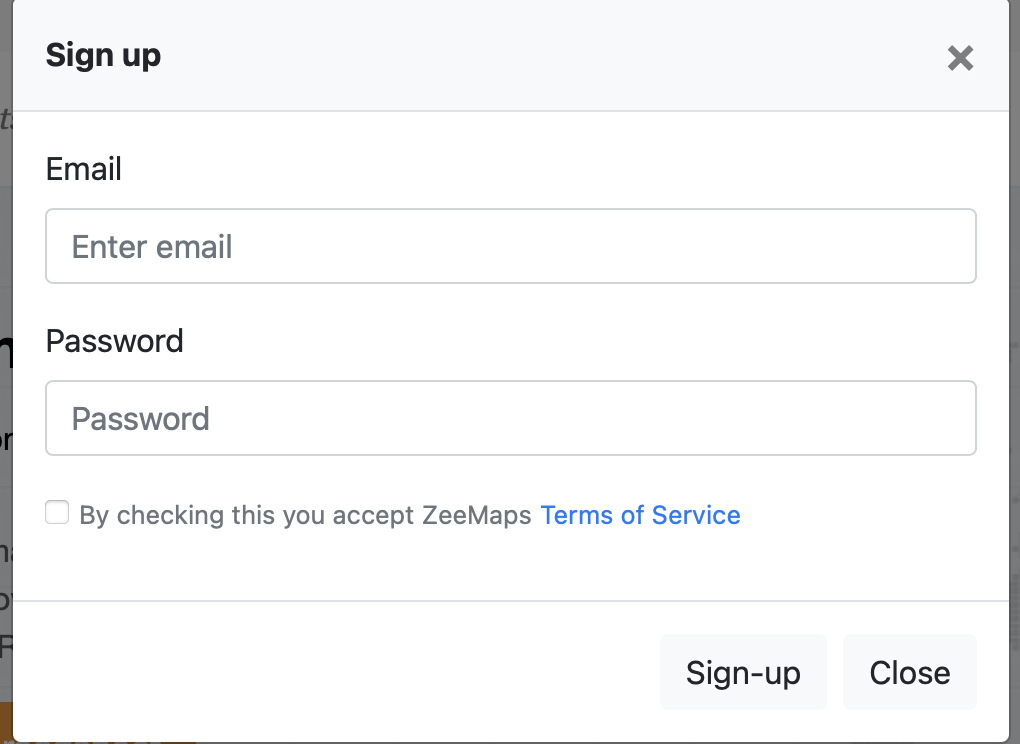
Click on the Sign-Up link at the top right of the ZeeMaps homepage. Enter your email address and password, agree to our terms and click Sign-Up.
Can I use Google or Facebook to sign-in?
No, ZeeMaps doesn’t currently have the option to sign in using Facebook or Google. Let us know if this is important to you, and we’ll try to make it happen.
How many maps can I create?
You can create a maximum of five reusable maps if you are using the Basic Plan (free). If you upgrade to one of the paid plans, you can create an unlimited number of maps.
How long do your contracts last?
Our plans are month-to-month or annual. The annual plans all represent over 20% saving compared to the corresponding month-to-month plan.
Can I cancel my plan?
You can cancel any plan before its renewal term if you don’t want to pay for the next term.
Can I change my plan?
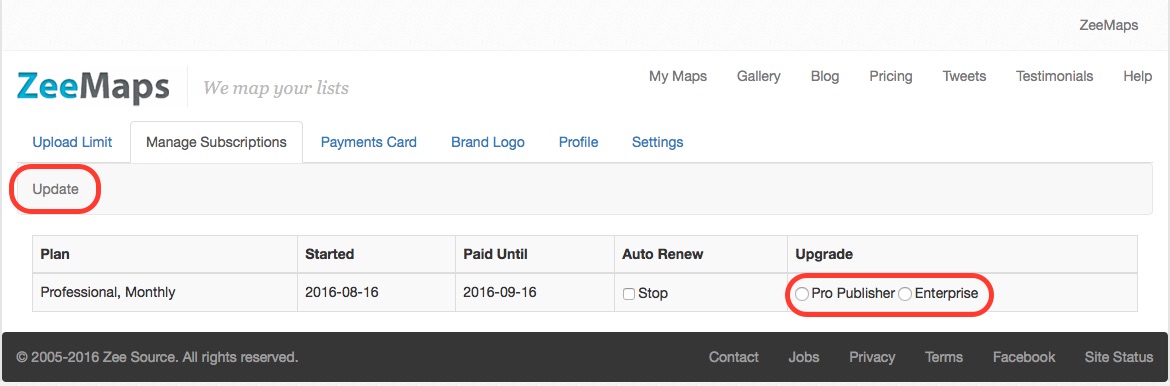
Yes, you can upgrade or downgrade a plan any time, and your fees will be pro-rated. To upgrade a plan, go to your account page and then the ‘Manage Subscription’ tab. Check the appropriate option for upgrade and hit the ‘Update’ button. To downgrade your plan, please contact us.
What is your refund policy?
ZeeMaps has a ‘no-questions-asked’ refund policy. We will refund any payment on request.