
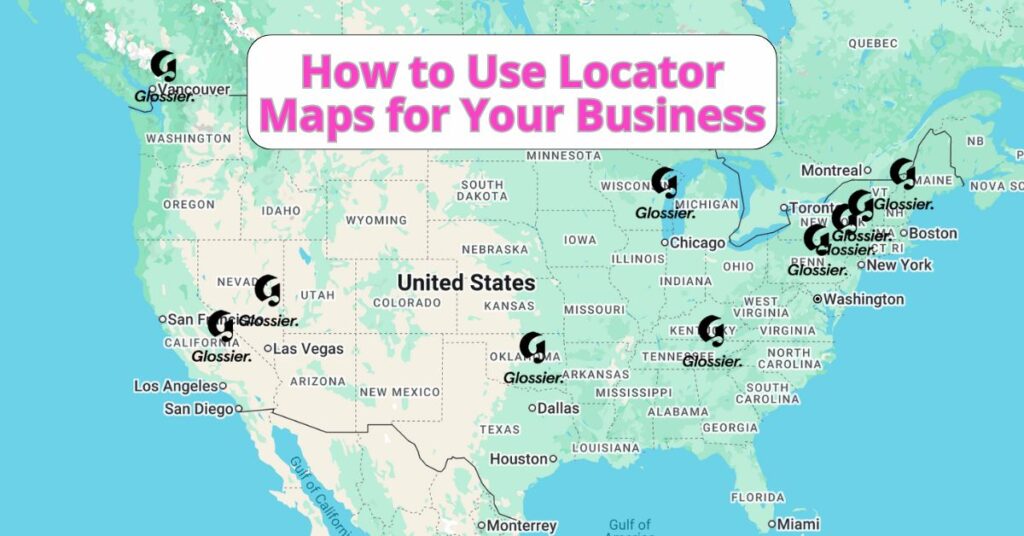
Whether you’re displaying store locations, assisting attendees in finding your event, or planning regional office sites, a locator map is a valuable tool to guide your audience. It provides a clear visual reference that helps people locate something without requiring detailed directions or cluttered map data.
What Is a Locator Map?
A locator map is a simplified visual representation that highlights a specific location or set of locations in a broader geographical area. It typically shows minimal details—just enough to orient the viewer. You’ll often find them in brochures, websites, event materials, or news articles to provide quick geographic context.
Examples include:
- A map on a retail website showing store locations
- An inset map in a news article showing where a story took place
- A contact page map for a service-based business
- A map on a travel blog showing popular tourist destinations
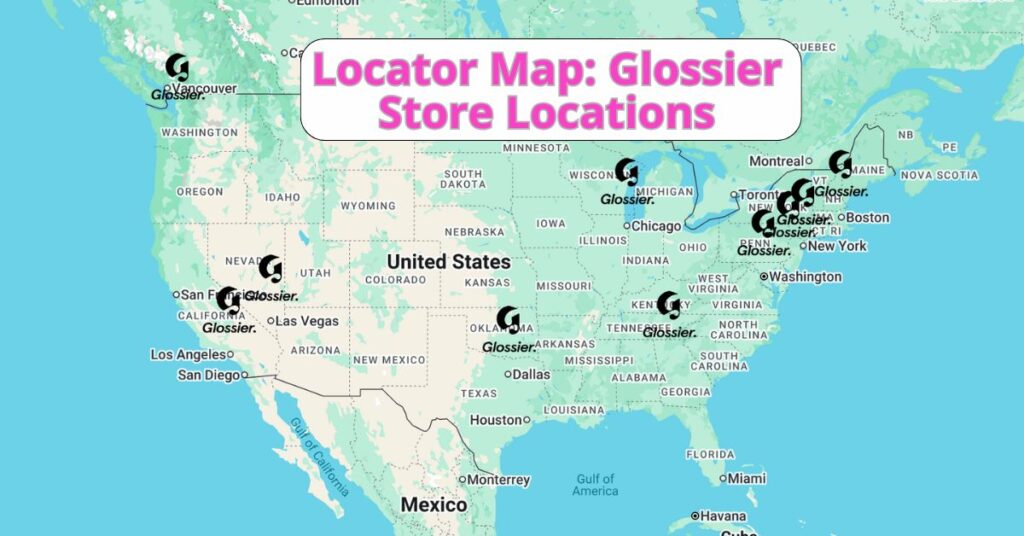
The following example of a locator map showcases all 12 Glossier store locations, with details about each store when you click on the icon.
Why Use a Locator Map?
Locator maps are ideal for:
- Business visibility – Display your locations so customers can easily find you
- Event planning – Help attendees visualize where the venue is
- Service areas – Show the geographic region your team covers
- Marketing materials – Add a visual cue to strengthen your brand’s connection to a place
They’re all about clarity. And the easier you make it for people to understand where you are, the more likely they are to engage with you.
Create a Locator Map with ZeeMaps in Minutes
ZeeMaps makes it incredibly easy to build a professional-looking locator map, even if you don’t have a design or GIS background. Plus, ZeeMaps supports global addresses so you can easily plot locations across cities, states, or countries. Here’s how to get started:
- Head to ZeeMaps.com, click “Create a Map,” and give your map a title and an optional description.
- You can add locations manually one by one, import a spreadsheet (CSV, Excel, or Google Sheets), or paste addresses in bulk.
- ZeeMaps offers powerful customization options:
- Color-code pins based on categories (e.g., retail, headquarters, events)
- Use your own icons or branding
- Adjust zoom levels, map styles, and default views
- Add clickable links, phone numbers, or images to each location
- One your locator map is ready, you can share it via a direct URL, embed it on your website or blog, and/or download a static image for printed materials
ZeeMaps also offers private access controls, so you can make your map public, password-protected, or limited to certain viewers.
Inspired by this map?
Create your own interactive map with ZeeMaps in minutes.